
View Claims
GO TO
BILLING → CLAIMS → VIEW CLAIMS
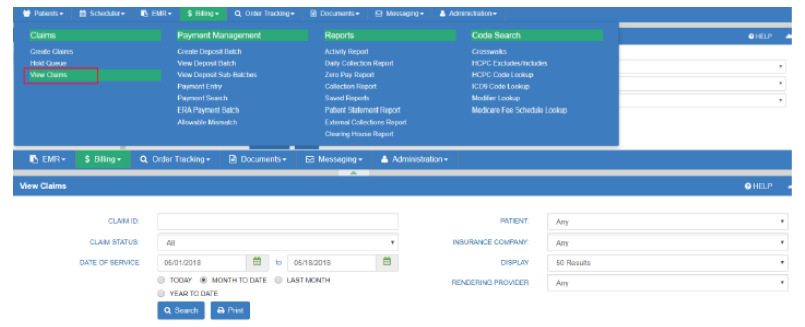
NOTE: Search/Find associated claim to be used for posting payments.
STEPS
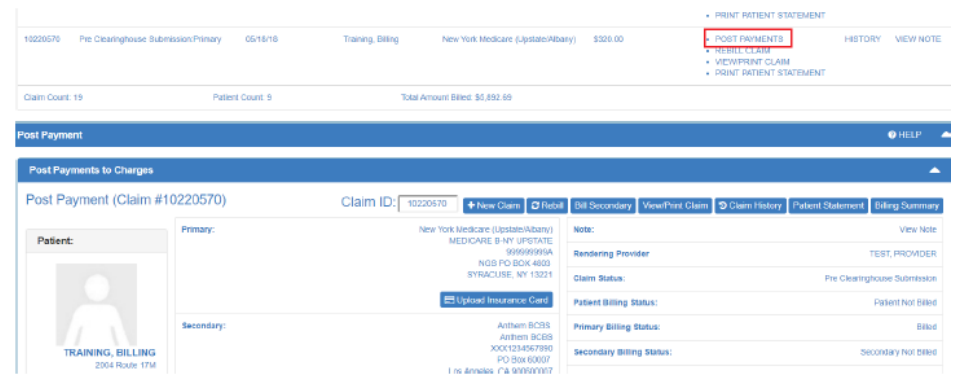
- Select POST PAYMENTS to view the post payment screen
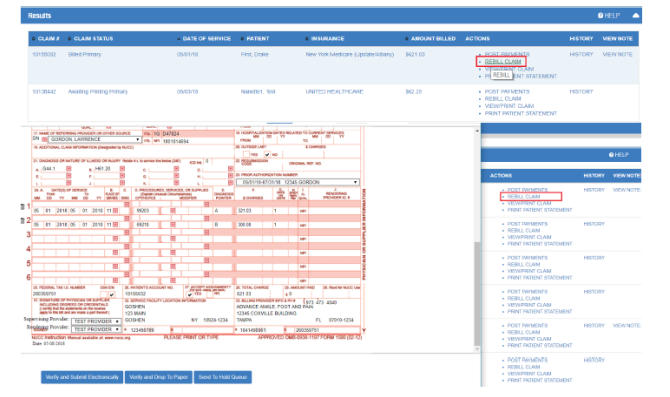
2. Select REBILL CLAIM to resubmit a corrected claim
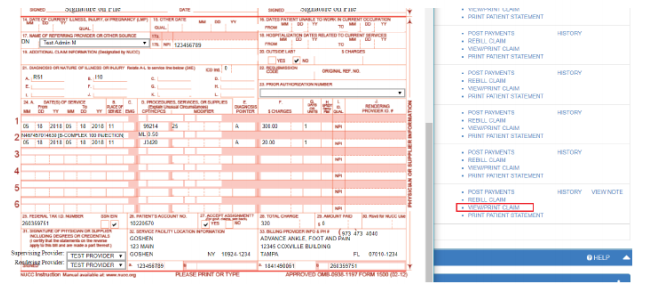
3. Select VIEW/PRINT CLAIM to view the claim form
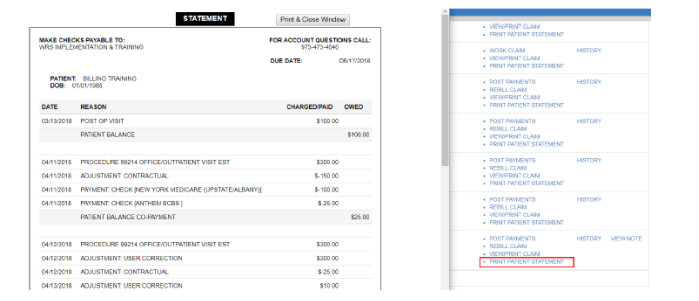
4. Select PRINT PATIENT STATEMENT to view the Statement
NOTES
- The view claim section will allow you to view all claims created. You can filter by Date of Service, Rendering Provider, etc.