
How to Attach an EOB to a Payment
GO TO
BILLING → PAYMENT MANAGEMENT → PAYMENT SEARCH
STEPS
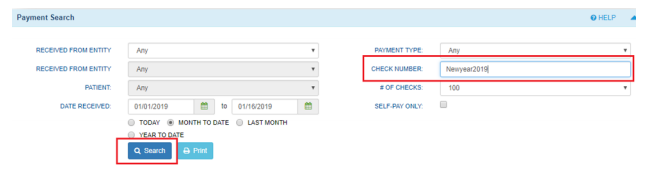
- Enter the Check Number and select ‘Search’
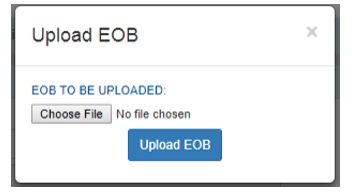
- Select ‘Upload EOB’

- Choose the corresponding EOB from your computer files and select ‘Upload EOB’
- Select ‘Search’ to refresh the page
- The EOB uploaded is accessible by clicking the EOB link

NOTES
- These items are used to populate your CMS 1500 claim form
- Your NPI describes your Group Name
- Your CLIA is used to bill for lab services