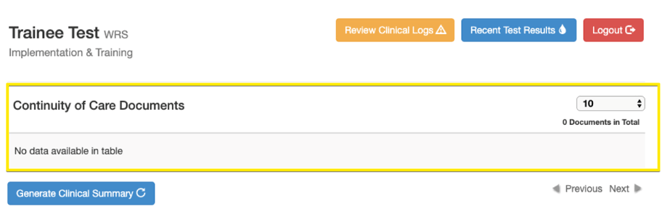
WRS can delete the CCDA generated in the EMR. This will also automatically delete the CCDA that was pushed to the patient portal.
To delete a CCDA, go to the patient's EMR All Notes page > Generated CCD XML > select CCDA and click Delete button

Once the CCDA is deleted, it will no longer be shown in the portal.