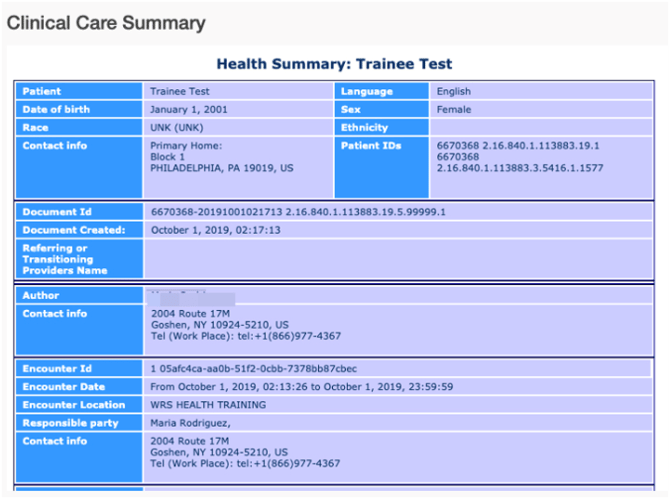
How can a patient view CCDA in Patient Portal?
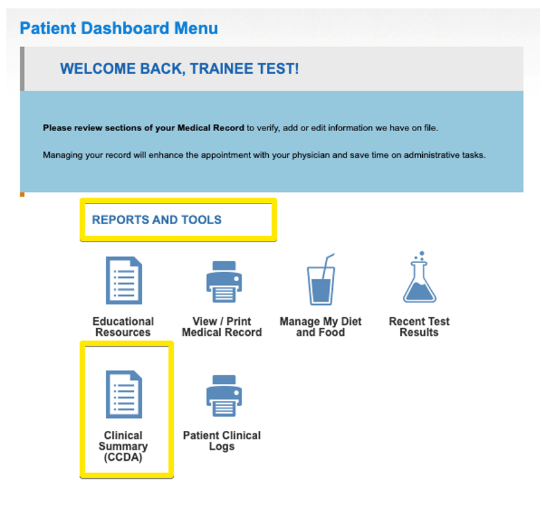
From the patient portal, the patient must go to Patient Dashboard Menu, scroll down to Reports and Tools then click Clinical Summary (CCDA) in order to see if they have any CCDA’s created by the practice.
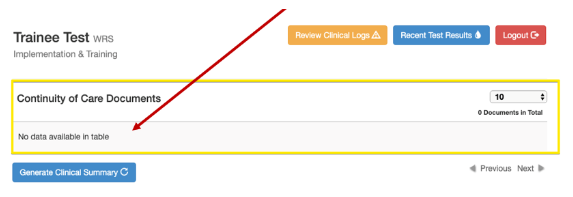
If a CCDA has not been generated yet for the patient, clicking the Clinical Summary (CCDA) icon will result in an indicator that no data is available.
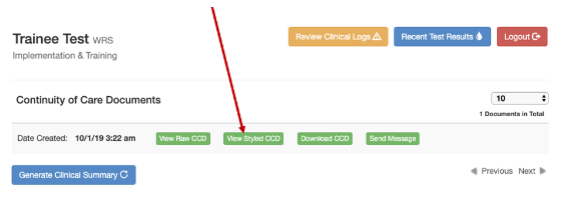
If there is a CCDA, the patient will see the date the CCDA was created. In order to view it, the patient must click VIEW STYLED CCDA.
Styled CCDA looks like this